Strength & crack-time estimates
See how fast a typical attacker could crack your password using different attack scenarios (online, offline, GPU, etc.).
PassIntel helps you audit password strength, generate safe passwords, and understand how long they would take to crack — all in a clean, offline desktop app.
A simple desktop companion that helps you understand, test, and improve your passwords — without sending anything to the cloud.
See how fast a typical attacker could crack your password using different attack scenarios (online, offline, GPU, etc.).
Generate random, high-entropy passwords with custom length and controls for symbols, digits, and more.
PassIntel runs entirely on your machine. No passwords are logged, uploaded, or sent over the network.
Clean interface with clear sections for analysis, generation, and results — easy even for non-technical users.
Small executable size, quick to launch, and doesn’t require heavy installs on modern Windows systems.
A focused, distraction-free window where you can test passwords, generate new ones, and export reports for your own documentation.
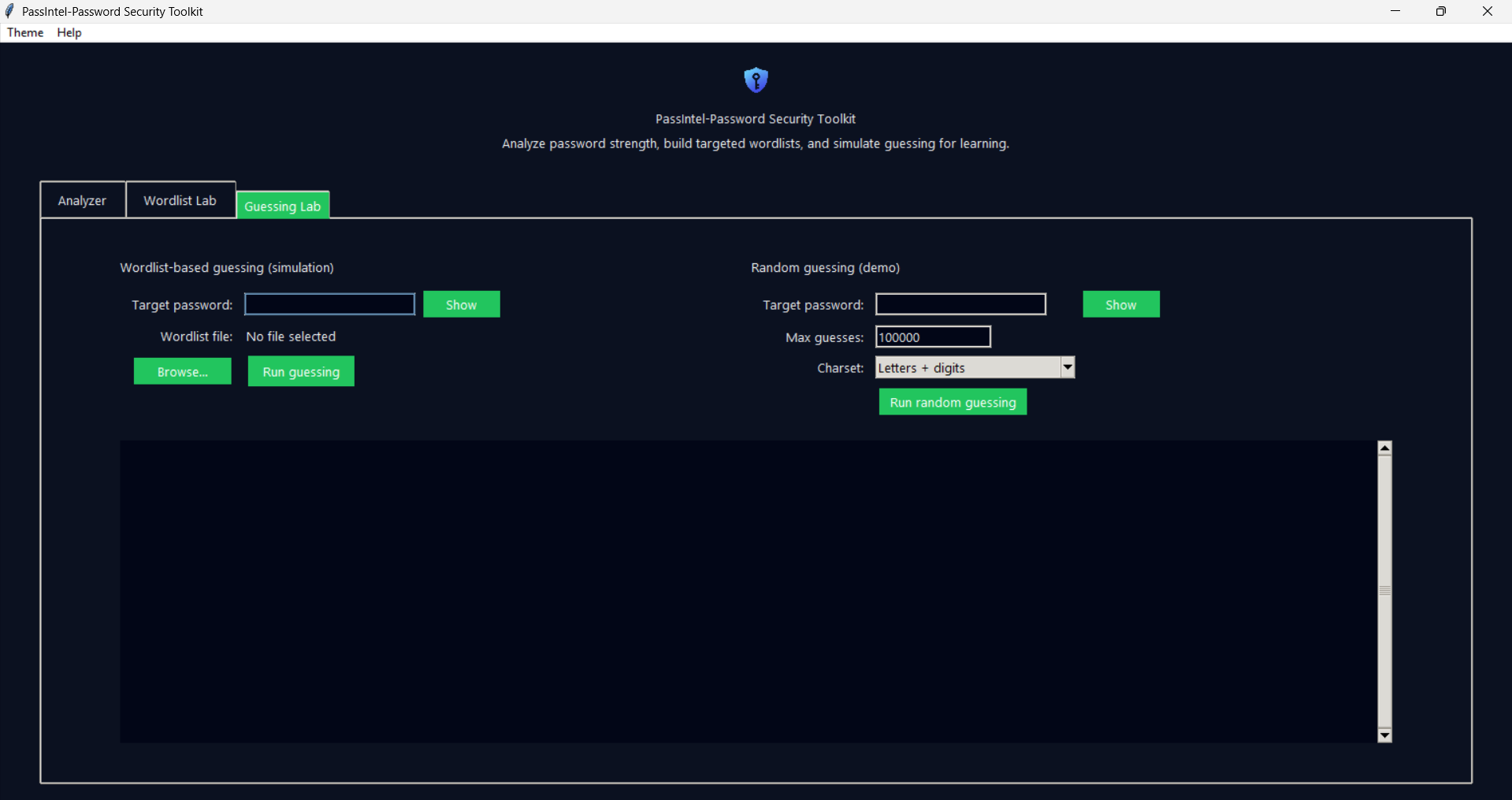
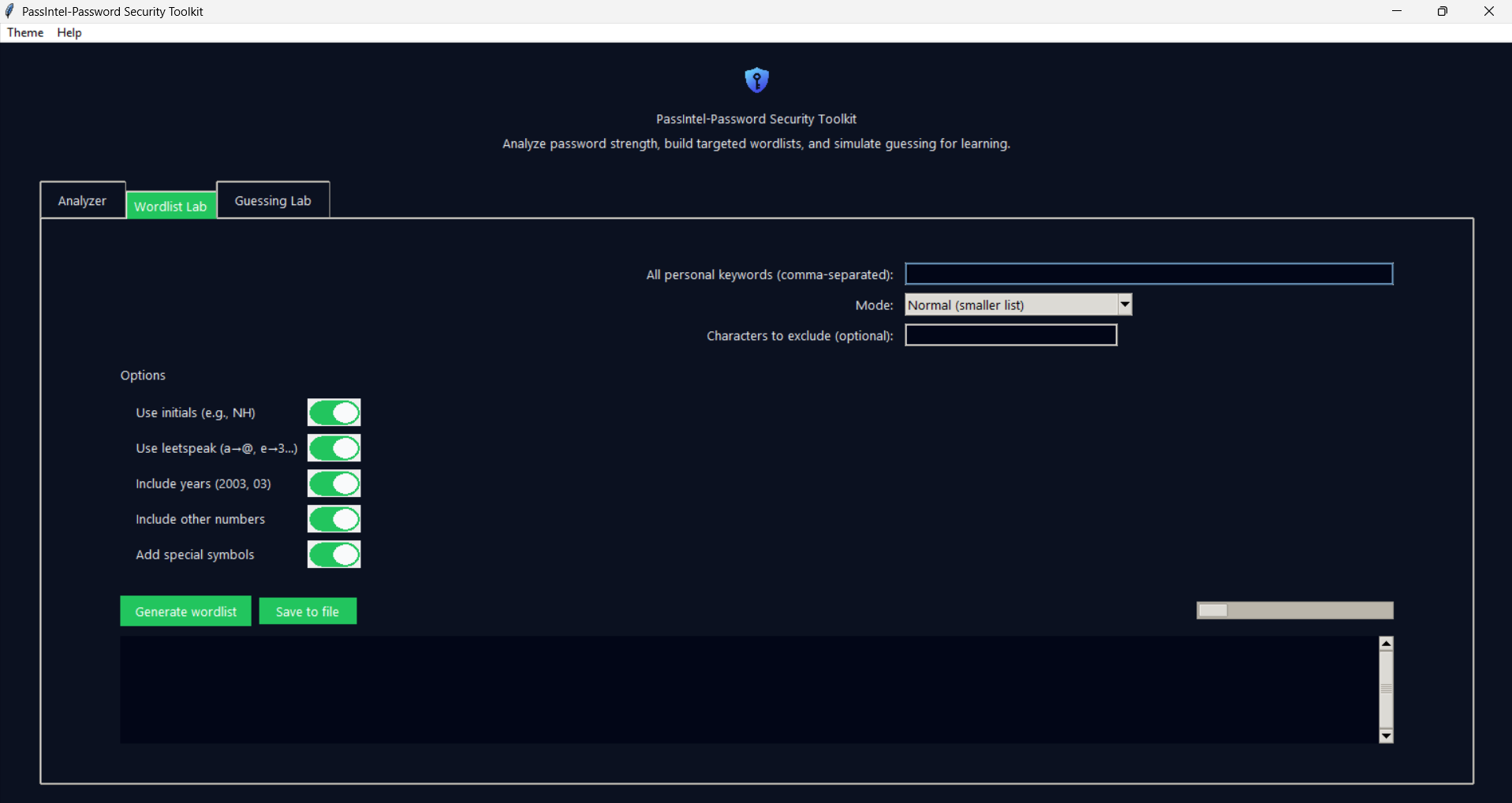
Get the latest Windows build of PassIntel. Ideal for students, security learners, and anyone who wants better passwords.
PassIntel is designed as an educational + utility tool. It never uploads, syncs, or shares the passwords you type into it.
All password checks happen locally on your machine. No telemetry, no analytics, and no cloud storage of your passwords. For learning and demo purposes, avoid typing your real primary passwords inside any tool — including PassIntel. Instead, test with sample passwords that match the patterns you use.